

It is designed for Power Users
Stay on track with notes, timers, and smart reminders.
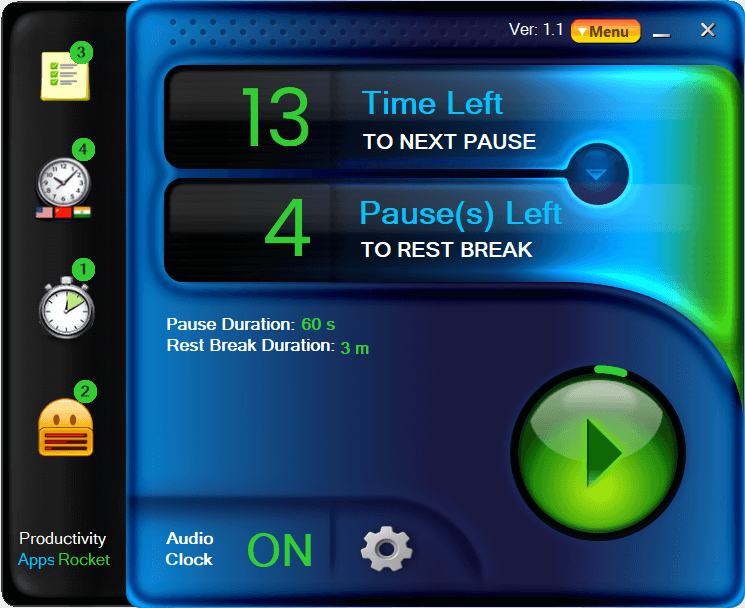
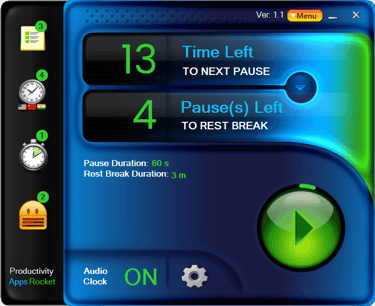
Main Interface Window
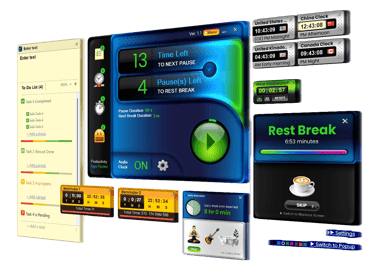
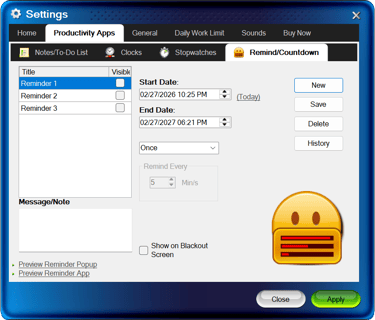
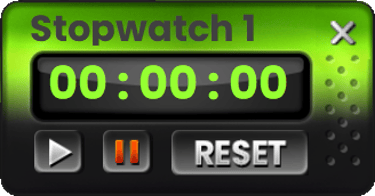
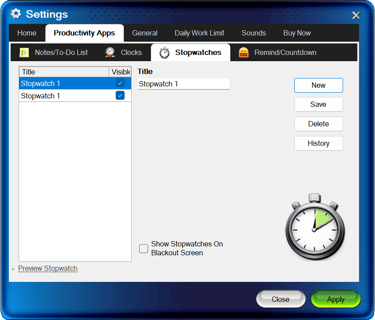
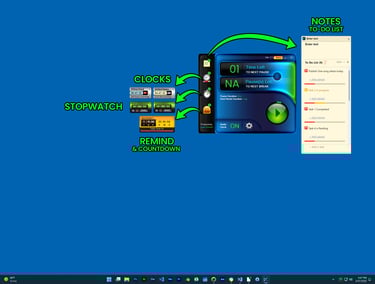
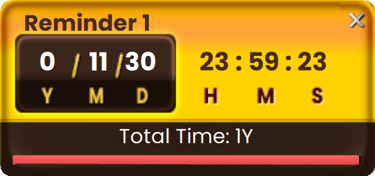
Easy to show/hide Productivity Apps from the Main Interface of the Software. Access Notes/To-Do Lists, World Clocks, Stopwatches, Reminders/Countdowns easily. Access to Audio Clock ON/Off, Easily see work time left to pauses and breaks.
Easy
PAR
Easy to use interface
Productivity Apps Rocket
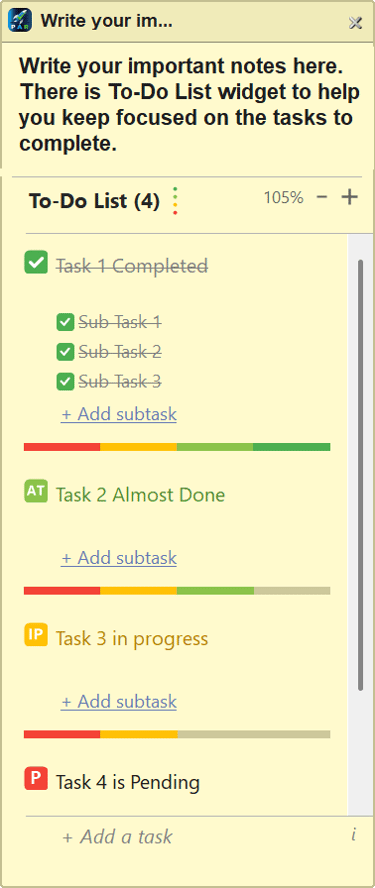
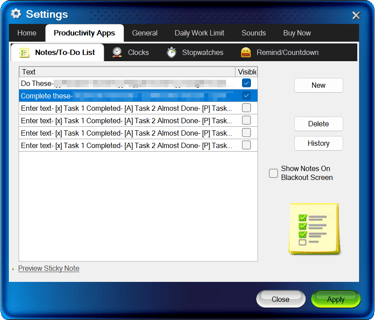
Settings for Notes & To-Do List
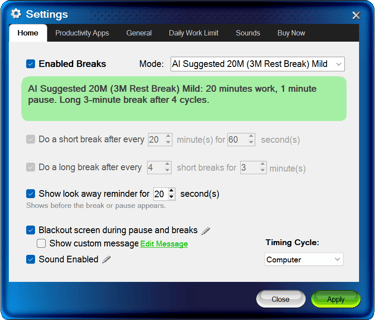
Helping you focus and manage your time with clever tools designed to boost productivity while preventing burnout.
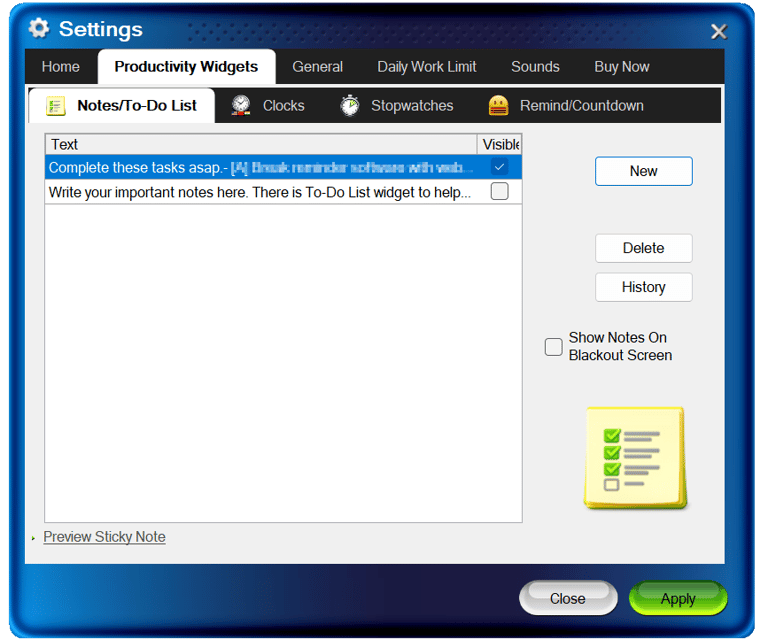
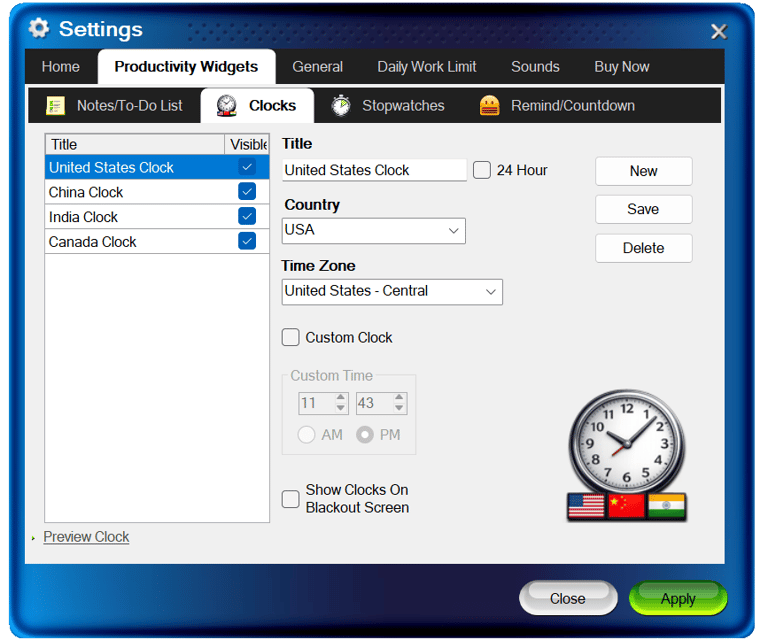
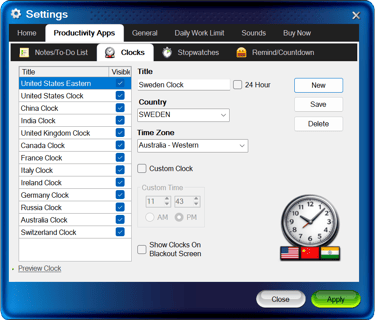
Settings Window for World Clock
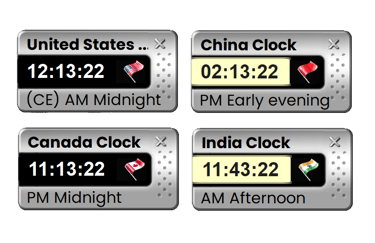
Never go to a website to check what time is it in a different country again. Clocks always visible if needed on your screen. Comes with Flag for each country. 2 Sizes: small and large for available screen space as needed. Show or hide anytime.
1x & 2x Sizes for available screen space.
AM/PM with description of the day or night.
Create up to 20 Clocks.
Shows Flags with Time.
Show and Hide easily.
Productivity Apps Rocket
Designed for Power Users
Features
About
© 2025. All rights reserved.


Notes & To-do list
World clocks with flags
Stopwatch
Reminder & Countdown
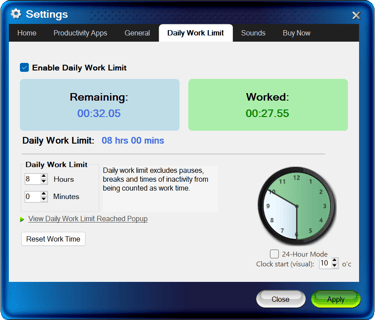
Daily work limit
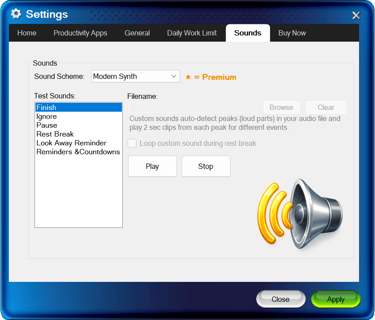
multiple Sound presets
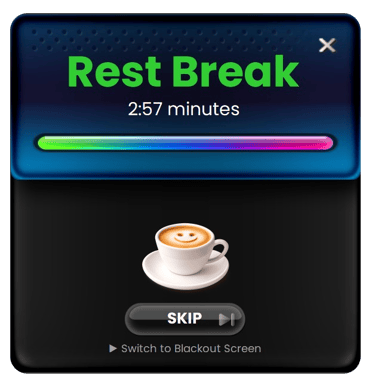
Break & Pause presets
Look away reminder (eye rest)
water reminder
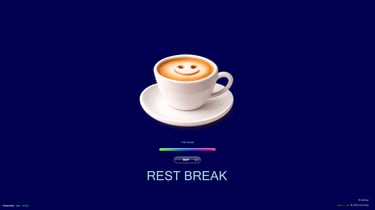
Productivity Tools: Notes, To-Do Lists, World Clocks, Stopwatch, Reminder, Countdown, & more. Designed to keep you focused, productive while helping in preventive burnout.